
Search
Press ⌘K on a Mac, or Ctrl K on Windows.
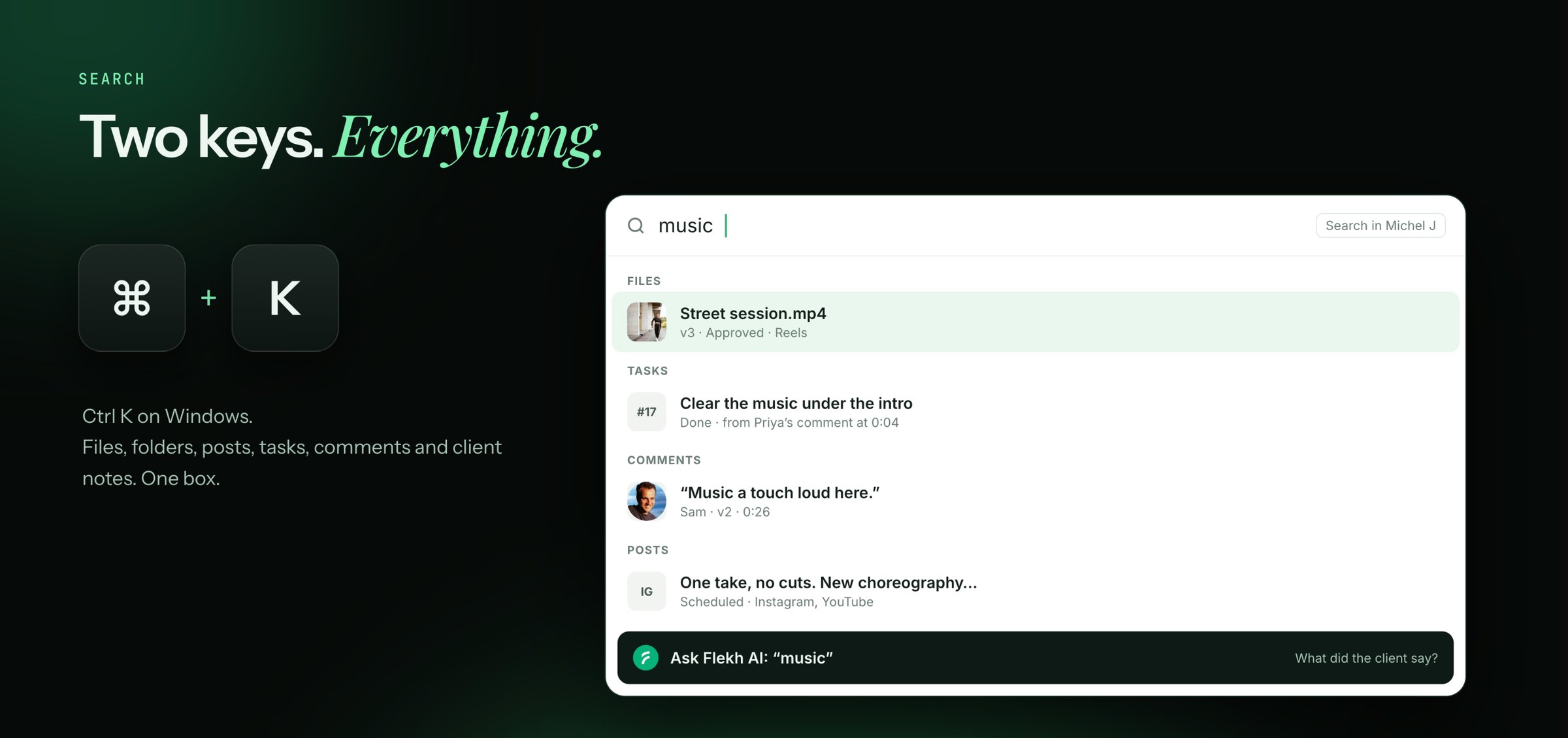
Type a few letters. Flekh looks through:
- Files and folders
- Posts
- Tasks
- Comments and client notes
Use Filters to narrow it down by status, date or tag. Search starts in the project you are in. Can't find it? Click Search all projects.
Have a question, not a file name? Pick Ask Flekh AI at the bottom, for example "What did the client say about the music?"
Tags
Tags group things in a project, like "Diwali" or "Needs music". One tag works on files, posts and tasks, so you can see all three in one place.
- Open Tags in the project.
- Click New tag, give it a name and a colour.
- Add it to any file, post or task.
You can't delete a tag that is still in use. Remove it from those items first.
Favourites and recent
- Click the star on a file to add it to My Favourites.
- Recent shows the files you opened last in this project.