
Your clients trust you with unreleased work. Here is how Flekh looks after it.
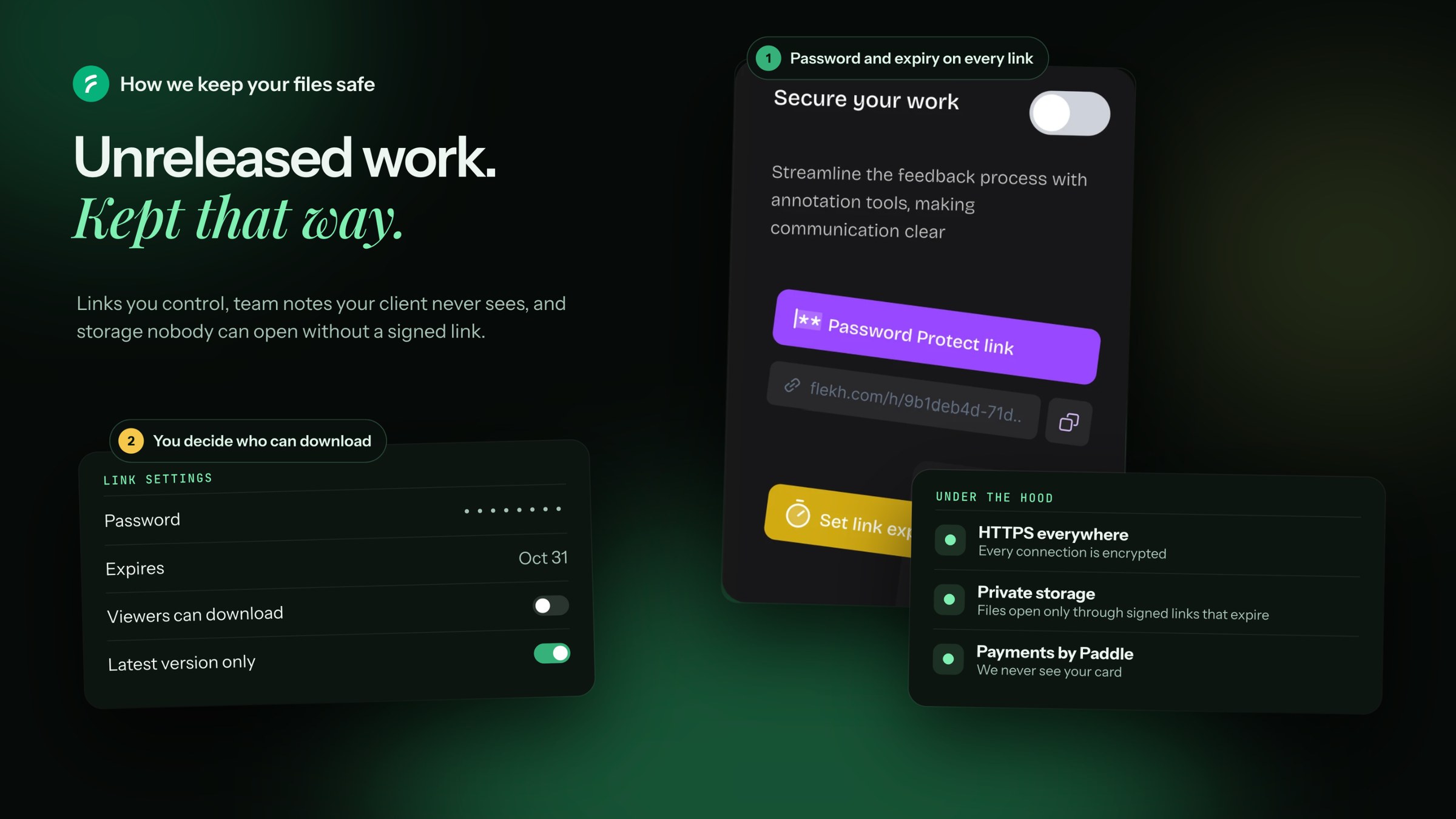
Storage and connections
- Every connection to Flekh uses HTTPS.
- Your files are stored in private cloud storage. Nobody can open a file without a link that Flekh signs, and those links expire.
- The sign-ins for your social accounts are stored encrypted.
- Payments go through Paddle. We never see or store your card number.
- Only the people who need access to run Flekh have it.
Links you control
Every approval link has Link settings:
- Password: reviewers type it before they see anything
- Expires: the link stops working on that date (Pro)
- Viewers can download: turn it off and reviewers can only watch
- Latest version only: reviewers see just the newest version
Need to stop a link now? In Approvals, delete it. It stops working for everyone who has it.
Inside your team
- Private comments never reach clients or guests (Pro).
- Private projects are seen only by the people on them (Pro).
- Roles keep collaborators from publishing or changing projects. See Roles: who can do what.
- Someone leaves? Remove a teammate and their access ends right away.
Connected apps
Editor plugins and AI assistants sign in through your browser. You see every one in Account settings › Connected apps, and you can disconnect any of them at once.
If something goes wrong
No system is perfect. If a breach ever affects your data, we will tell you. Found a security problem? Email me at shashank@flekh.com.