
Click any file to open it. Videos and audio play in the player. Images open full size. PDFs open page by page.
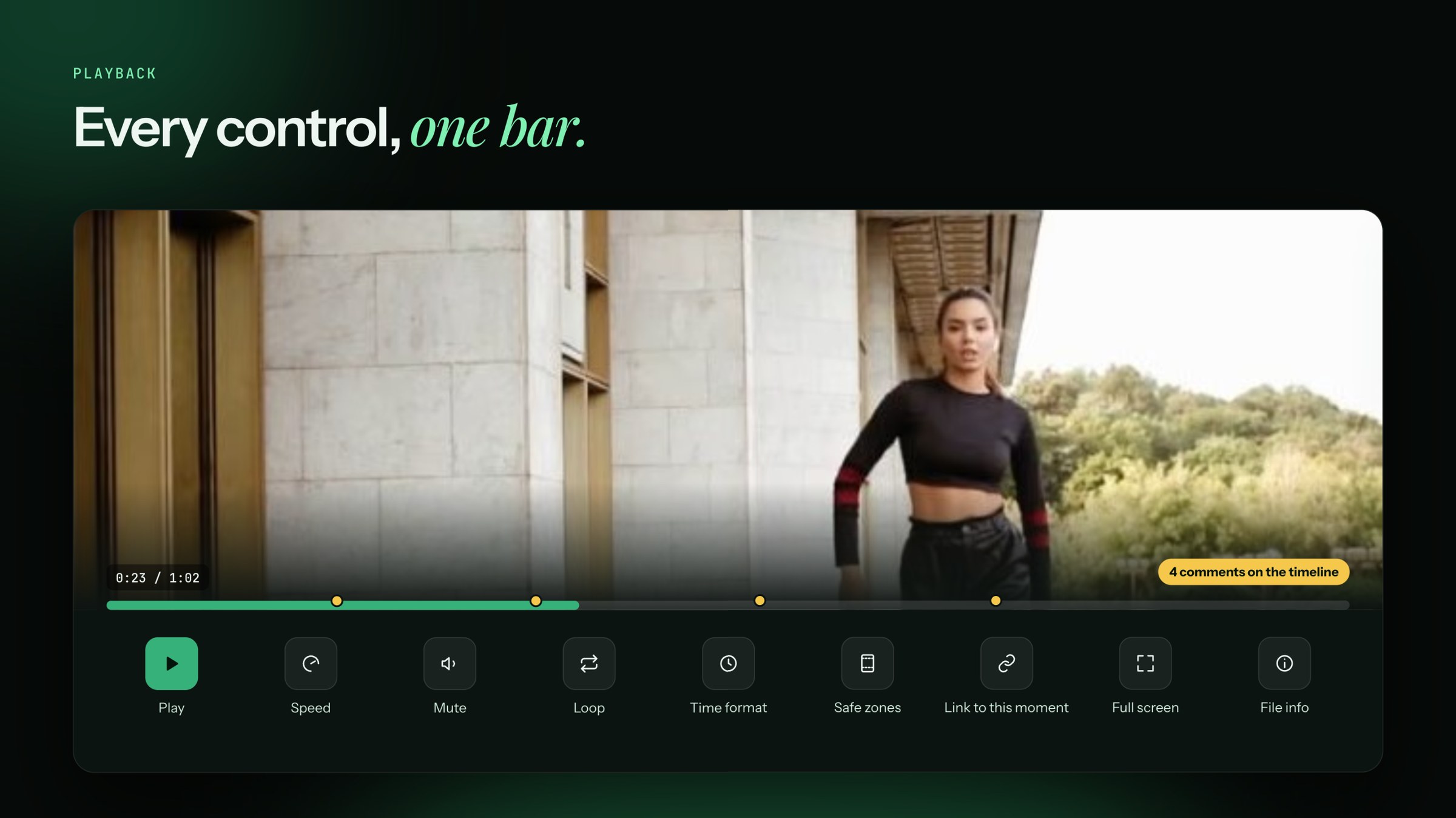
The controls
| Control | What it does |
|---|---|
| Play / Pause | Starts and stops the file |
| Speed | Plays slower or faster |
| Mute | Turns the sound off and on |
| Loop | Plays the file again and again |
| Time format | Shows time the way you like to read it |
| Safe zones | Shows where a platform's buttons and captions will cover your video. Check that text and faces stay clear. |
| Copy link at this time | Copies a link that opens the file at this exact moment |
| Full screen | Fills the screen |
| File info | Shows details like size, length and format |
The timeline
Under the player, every comment is a dot on the timeline. Click a dot to jump to that moment and read the comment.
To zoom the timeline, scroll on it or press + and −. Click Reset to fit to see the whole file again.
Where viewers left
Once a version is published, the timeline can show a Viewers line. It shows how many people were still watching at each moment. Click Hide viewers to turn it off. See See results on the post and the file.
A file won't play?
You see "Couldn't play this video". Click Download to check the file on your computer. If it plays there, write to me in the chat and send the file name.